

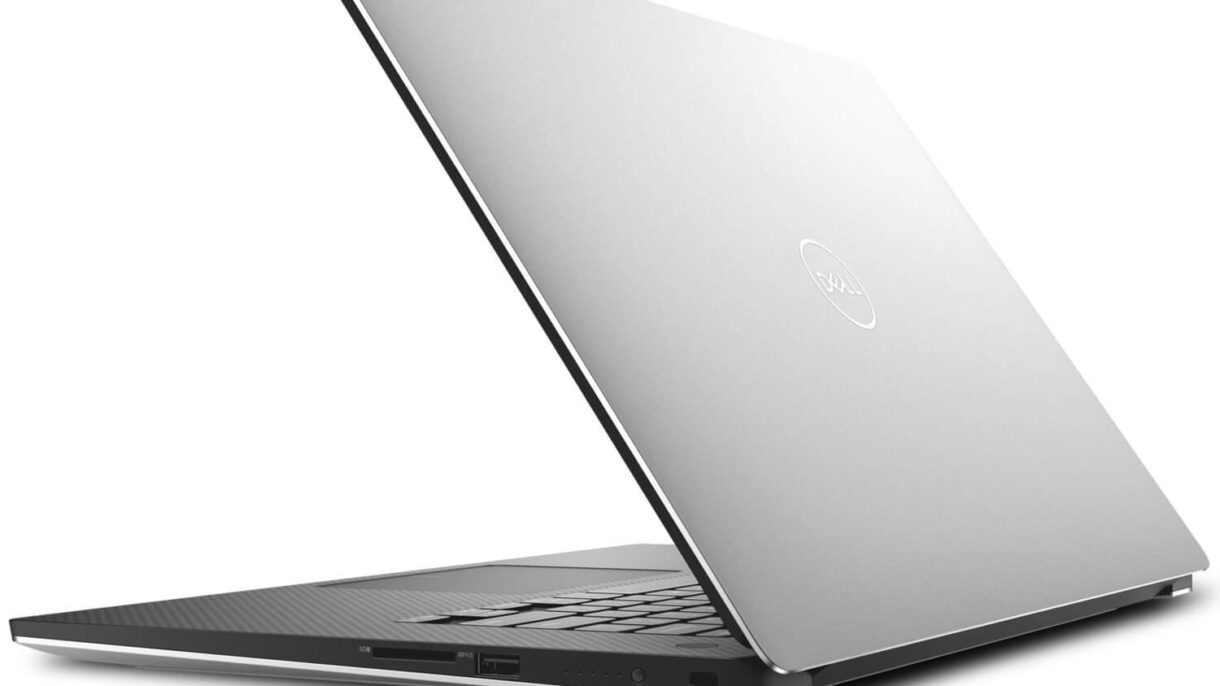

I recently upgraded my internet speed and was surprised to find that the connection on my Dell XPS laptop had become slower than before, as measured on speedtest.net. The previous speed had been acceptable, although lower than expected. Strangely, after the upgrade it was slower still.
Before discussing the problem, let me tell you a little about my laptop and the Dell XPS range. My device stands out for one thing: battery life. It lasts a long time in power-saving mode, but only for simple tasks such as browsing without videos and writing in Word or Notepad. It is also good for meetings because it is easy to carry and has a high-resolution screen comparable to a Mac.
Those are its advantages. Its disadvantages are that it does not handle heavy workloads or high-performance use. It is made for light work such as reading, writing and perhaps PowerPoint. Despite its high specifications, demanding applications—even something like video editing—consume substantial resources and can harm the device, potentially damaging the motherboard. Cooling is poor, so it needs care; it is very delicate. For resource-intensive work, you need at least a gaming laptop, or preferably a desktop or workstation.
The problem took me a full half-hour to solve. I considered all the possibilities, and this is the complete path I followed:
First, I discovered that the fibre-optic device could not handle the higher speed and needed replacing. The upgrade had produced the opposite result: slower internet. Thankfully, the device was replaced, resolving the first problem.
Second, a useful point: shorter-range 5 GHz networks are faster than longer-range 2.4 GHz networks, so choose the network that suits how you use the device.
After steps one and two, every device had a fast connection except my XPS. I became suspicious and checked it from every angle: program usage and internet traffic. Everything appeared normal. I then examined the laptop's network and connection settings and found nothing noteworthy. Knowing that Killer managed the network, I opened it and adjusted the settings to allow maximum internet use, but that did not solve the problem.
Third, after further investigation, I found that Killer and Dell software were limiting internet speed and increasing it for activities such as games or films. I removed all Dell applications except Dell Digital Delivery. I knew the extent of the data these bundled programs could access, but had kept them because of the warranty and their benefits. I also removed Killer Management.
Warning: Do not remove the Killer driver; it is the Wi-Fi adapter driver.
After removing the software, the connection could finally breathe again. Some people recommend replacing the Killer hardware, but I would not do that immediately. I always recommend removing unhelpful software first.
Some Dell devices have a service called SmartByte, associated with Killer, that performs the same role. It should be stopped and its application removed. It may be installed again automatically if Dell Support, Dell Update and the rest of that unwelcome family remain installed.